Qolsys IQ Hub- Battery Replacement

Qolsys IQ Hub- Battery Replacement

Replacing the Battery in your IQ Hub Security Panel

Follow the instructions below to replace the backup battery in your system's panel. The IQ Hub panel requires a 18650 - rechargeable lithium polymer 2600mAh, which can be purchased at your local hardware, mass retailer, or battery store.

Step-by-Step Instructions:

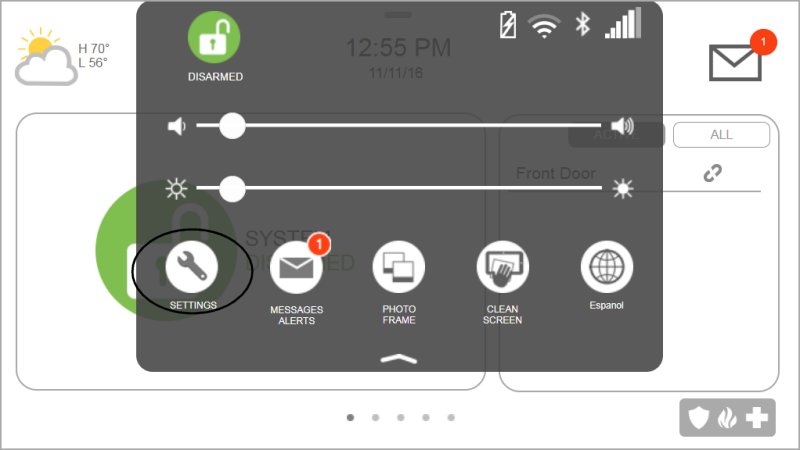
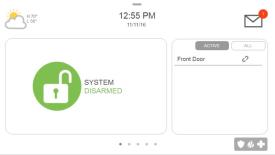
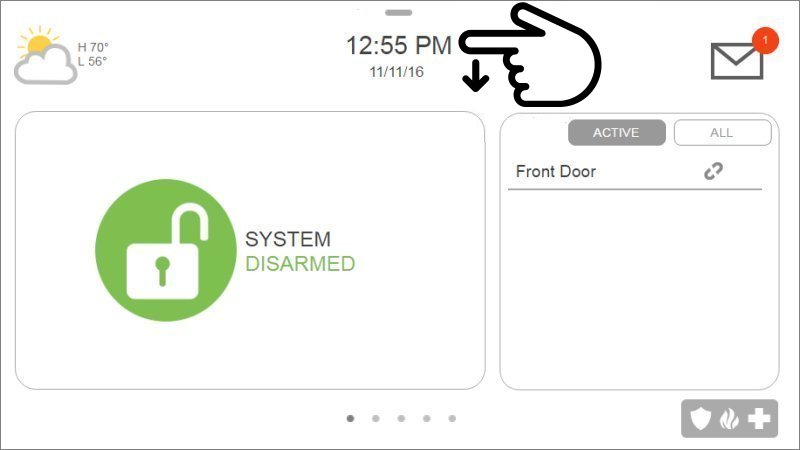
1. Swipe down from the time display to open the settings drop-down, then press Settings.


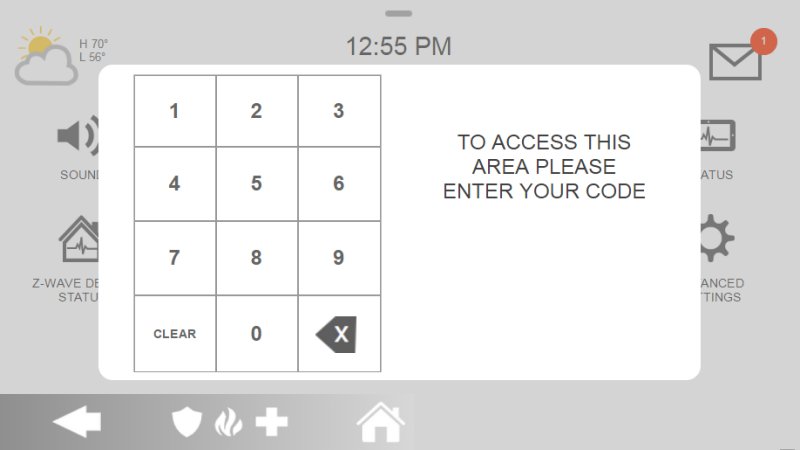
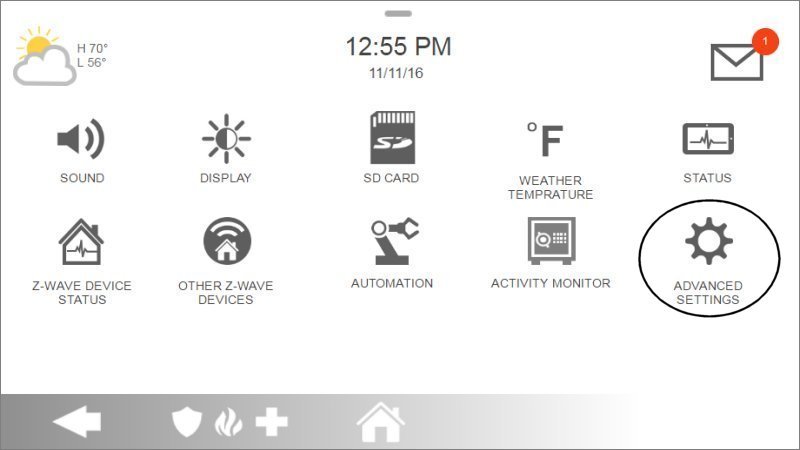
2. Press Advanced Settings, then enter your master code.


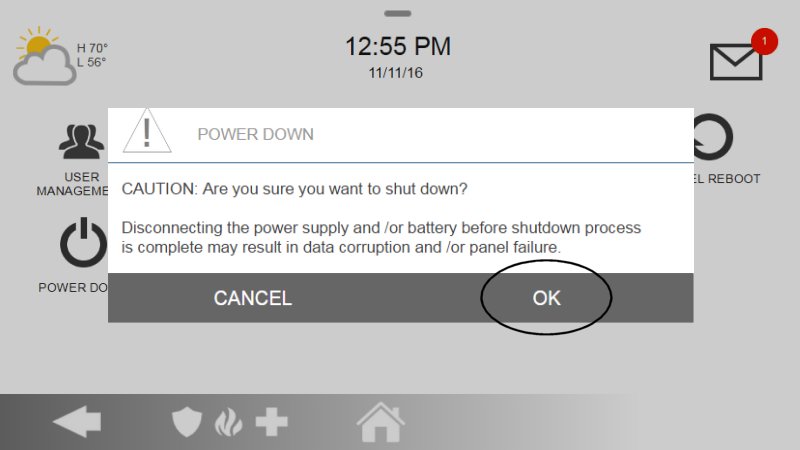
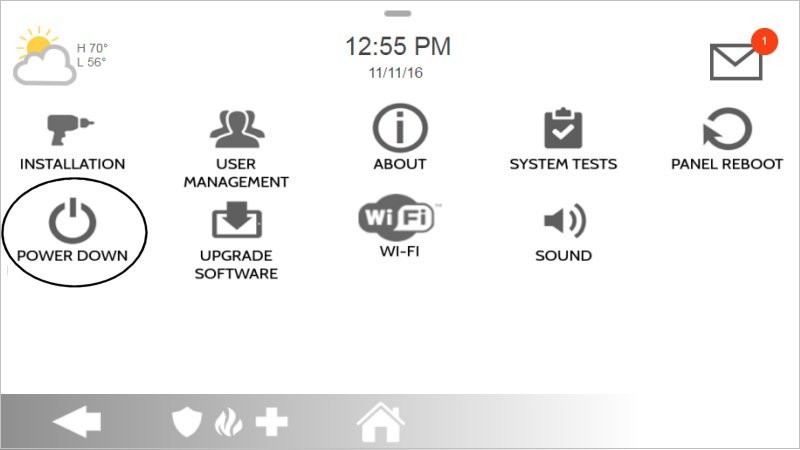
3. Press Power Down, then OK to confirm. The IQ Hub will power down.


4. Remove the panel from the backplate or table stand, then remove the battery door.
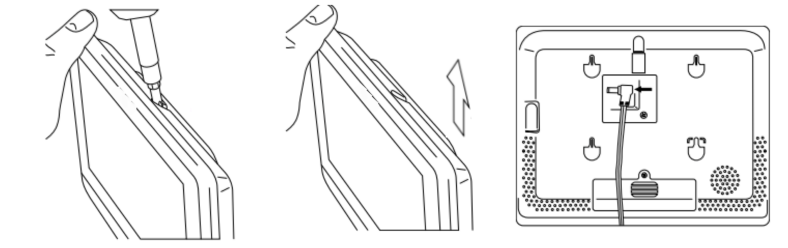

5. Use a small screwdriver to remove the plastic door covering the battery.
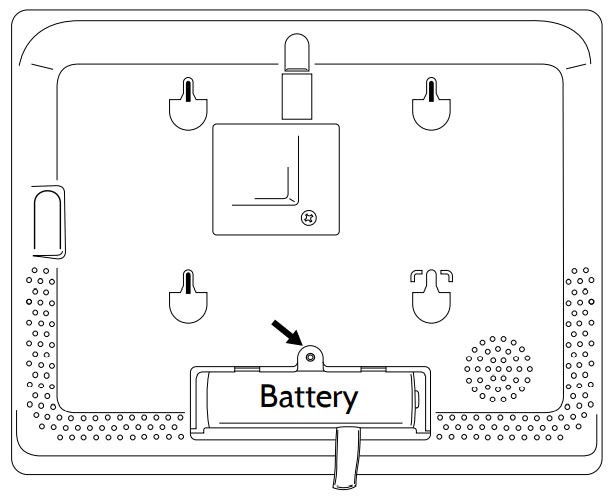

6. Pull the fabric tab that is located under the battery to remove the battery from the panel.
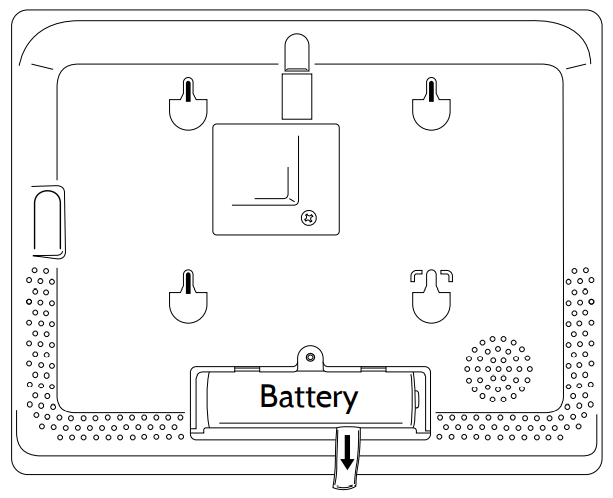

7. Install the new battery paying careful attention to polarity and being sure to place the fabric pull tab under the battery to make future removal easier.

Use battery type 18650 - Rechargeable Lithium-polymer 2600mAh Rated for over 24 hours.
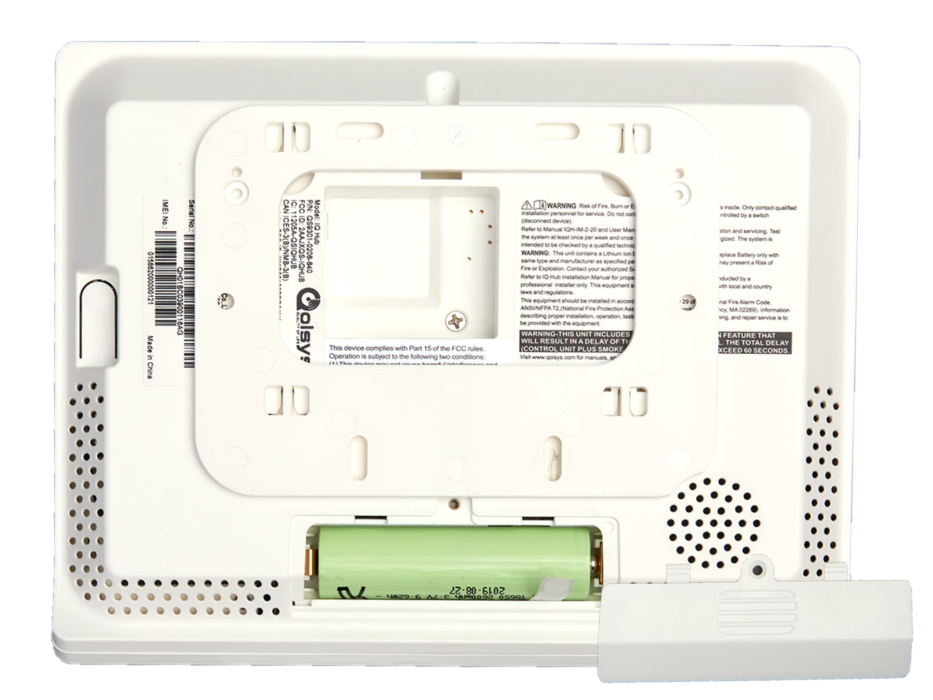

8. Re-install the battery door and screw it back in, then remount it to the backplate or table stand.


The battery can take up to 24 hours to fully charge and the low battery warning may be present until charging is complete. To charge the battery, simply ensure the A/C power is connected to a working outlet while your battery is connected in the panel.


Clear the Panel Alert

See instructions below for how to clear the error alert and stop alert beeping on your panel.

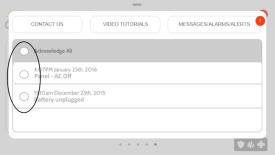
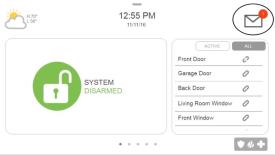
1. Press the message icon at top right of the panel, then press MessagesAlerts, and Alarms. Either select the trouble to acknowledge or press Acknowledge All.
01a Trouble 01 275x155 01b Trouble 02 275x155 01c Trouble 03 275x155


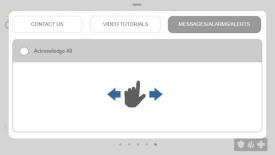
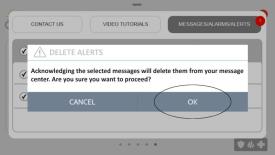
2. Press Ok to acknowledge, then swipe left or right to exit.
02a Trouble 04 275x155 02b Trouble 05 275x155 02c Disarm 03 Disarmed 275x155


    • Related Articles

    • Qolsys IQ - Battery Replacement

      Qolsys IQ Panel – Battery Replacement Guide To replace the battery in your IQ panel, we'll need to power the panel down. 1. Select "Settings"  2. Enter your "Master Code" 3. Select "Power Down" 4. Select "OK" 5. Before continuing, wait till the ...
    • Qolsys IQ Panel 4 Hub - User Manual

      Link for the Qolsys IQ Panel 4 Hub user manual
    • Qolsys IQ 4 - Panel Battery Quick Guide

      Select link to Quick Guide: IQ Panel 4 Battery Quick Guide
    • Qolsys Sensors - Replacement Battery Guide

      Below is a chart of the various sensors used with Qolsys systems (predominantly IQ & IQ2 series alarm systems). Included is the Sensor Type (primary use), Part #/Description (mostly used by dealers), Voltage, Type (of battery used), Quantity ...
    • QOLSYS - Glassbreak sensor battery replacement

      Requirements 2x CR123A Lithium Batteries System must be disarmed to prevent false alarms. Instructions: Open the Device - Press the tab on the top of the device and open it. The cover should swing down. This will cause the panel to beep rapidly due ...