DSC NEO - PG9922—Glass Break Battery Replacement
PG9922—Battery Replacement
When it is time to replace the battery in your glassbreak detector, you will see an alert on your system panel, as well as a notification in the alarm.com app
The DSC PG9922 glassbreak detector requires a CR123A batteries, which can be purchased at your local hardware, mass retailer, or battery store.
Step-by-Step Instructions:
If during regular business hours, call Reed Security (mon-fri 8am-4:30pm) to put your system on test 306.653.3200 option 3.
After hours, call the monitoring station to put the system on test 1.888.961.7333
1. Locate the sensor with a low battery
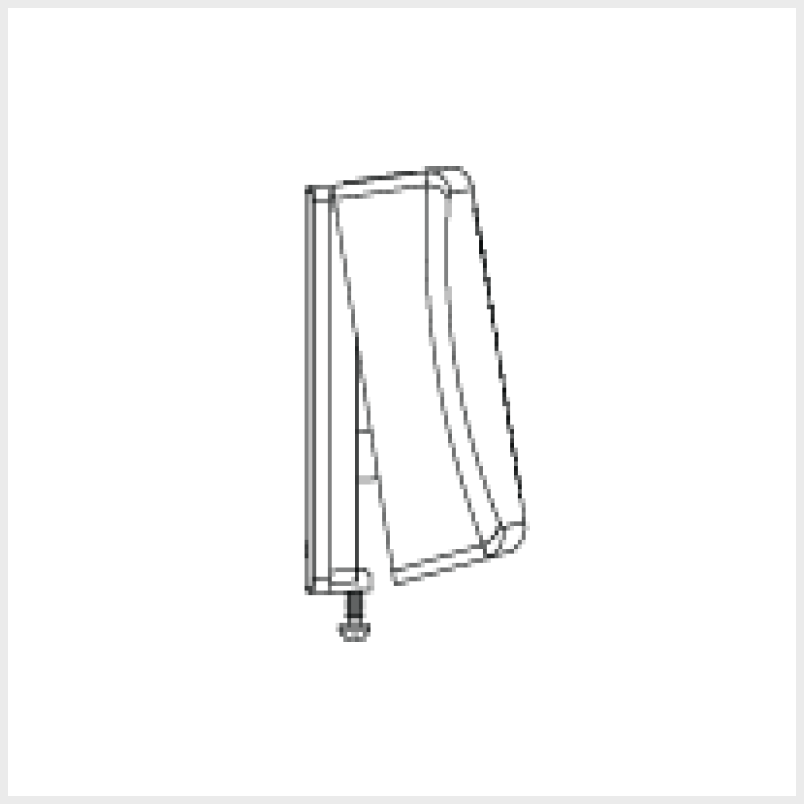
2. Leaving the sensor in place, open the cover by removing the locking screw from the bottom of the device, then pressing the tab at the bottom of the sensor.
3. Remove the old batteries.
4. Make sure the area where the batteries are stored is clean and there is no corrosion.
5. Place A new CR123A battery into the sensor.
6. Put the cover back on starting with the opposite end from which it was opened until you hear a snapping sound, then replace the locking screw.